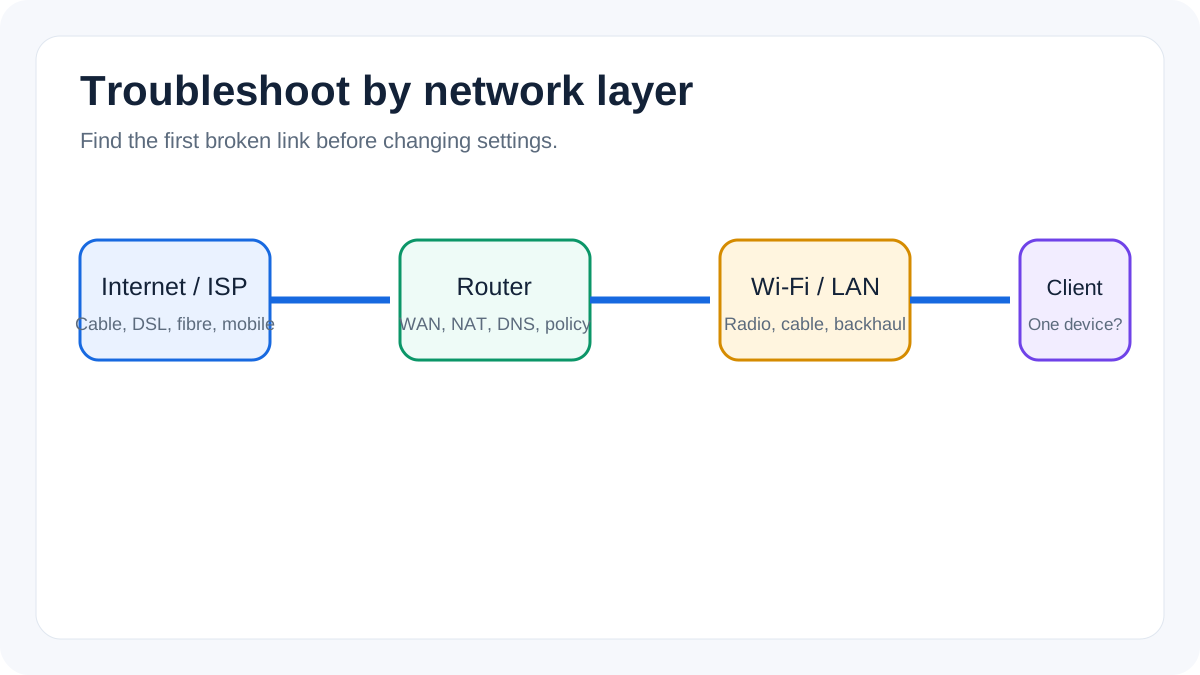
Diagnose slow speeds, dropouts, weak coverage, admin-page errors, and internet connection failures.
Use a fault-isolation matrix
Test one wired client and two wireless clients where possible. If only one client fails, focus on that device. If every wireless client fails but Ethernet works, inspect Wi‑Fi radios and security. If both wired and wireless clients lose Internet, check WAN status and the modem, ONT, cable, DSL or cellular connection.
Record what changes
Note status lights, error messages, assigned IP details and whether the admin interface remains available. Make one configuration change at a time and retest the original symptom. This prevents a successful fix from being hidden by unrelated changes.
A factory reset is appropriate only when configuration recovery is genuinely required and the information needed to rebuild service has been recorded.