Indicator meanings vary by model, but their labels usually map to power, upstream internet, Wi-Fi, Ethernet and WPS activity.
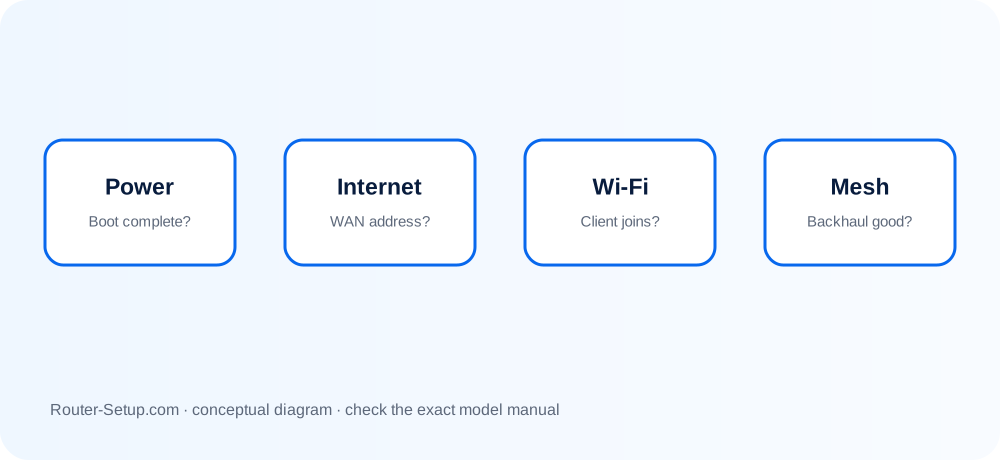
Power Light
Solid power normally indicates a completed boot. Persistent blinking or red may indicate startup, update or hardware trouble.
Internet or WAN Light
This reflects the upstream link or internet session. Check the modem, WAN cable and ISP if it shows a fault state.
Wi-Fi Lights
Blinking commonly represents radio traffic, not an error. An unlit indicator may mean the band is disabled.
Ethernet Lights
A link light confirms physical negotiation; blinking usually means traffic.
WPS Light
WPS blinks during a pairing window and should stop afterward. Disable WPS if you do not use it.
Translate an LED pattern into a targeted functional test
Status lights are evidence, not a diagnosis. Record the exact icon, colour, pattern and timing, then compare it with the manual for the model printed on the label.
Locate the exact model manual because colour and blinking patterns change between products and firmware
Locate the exact model manual because colour and blinking patterns change between products and firmware.
Observe the light before restarting: note its name/icon, colour, solid/blinking pattern and duration
Observe the light before restarting: note its name/icon, colour, solid/blinking pattern and duration. Photograph it if useful.
Check Power first
Check Power first. No power light indicates adapter, outlet or hardware; an endless boot pattern can indicate firmware or power trouble.
Check Internet/WAN next and compare it with modem/ONT service indicators
Check Internet/WAN next and compare it with modem/ONT service indicators. A local Wi-Fi light cannot prove upstream Internet works.
Check individual LAN-port lights with a known-good cable and powered client
Check individual LAN-port lights with a known-good cable and powered client. Swap one cable/port at a time.
For Wi-Fi lights, determine whether the radio is disabled, active or carrying traffic; blinking often represents activity rather than failure
For Wi-Fi lights, determine whether the radio is disabled, active or carrying traffic; blinking often represents activity rather than failure.
For mesh node colours, identify whether the unit is the parent or satellite and whether the light is a temporary setup result
For mesh node colours, identify whether the unit is the parent or satellite and whether the light is a temporary setup result.
Restart once and time the complete boot
Restart once and time the complete boot. If the same abnormal code returns, consult the model troubleshooting table before resetting.
After any fix, verify actual function with a client; do not rely on light colour alone
After any fix, verify actual function with a client; do not rely on light colour alone.
Confirm the result
- The abnormal LED has been mapped to a named port or function.
- Actual client service was tested instead of relying on colour alone.
- Any persistent boot or firmware pattern has been recorded before reset.
Power, WAN, radio and mesh-light questions
Is a blinking Wi-Fi light bad?
Usually no. It commonly indicates wireless traffic.
Why is the internet light red?
The router may lack an upstream link, IP address or authenticated ISP session.
Can lights be turned off?
Some routers offer LED controls or a night mode.
Why does a light turn off even though the device works?
Some products intentionally extinguish temporary sync or activity indicators. Compare the timing and state with the exact model manual.
Verify the network instead of trusting colour alone
Browse setup, troubleshooting, security and buying guides for every major router type.
Browse all guides