Quick answer: When the main Deco works and one satellite does not, focus on that node’s power, setup state, app ownership and backhaul. Rebuilding the parent network is rarely the correct first move.
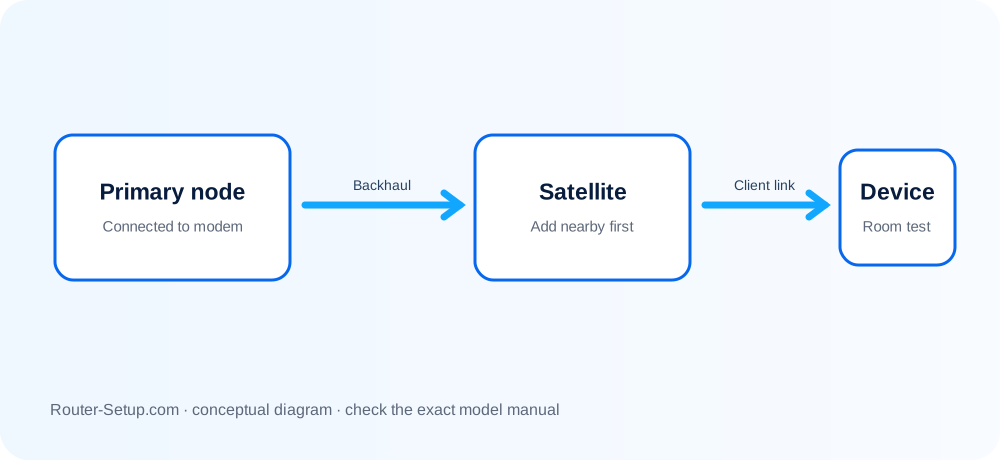
Work out why this node is offline
| Node behaviour | What it indicates |
|---|---|
| Not discovered during Add Deco | The node may not be reset, may be the wrong model selection, or the phone/app cannot reach it. |
| Added but immediately offline | Placement or backhaul is weak, or the node did not finish configuration. |
| Works by Ethernet only | Wireless distance or interference is likely; verify supported topology. |
| Previously working, now offline | Start with a node reboot and app/firmware check rather than deleting the network. |
Bring one offline Deco node back into the mesh
Confirm the main Deco and Internet connection are healthy.
Place the problem node near the main Deco and power it with its original adapter.
In the Deco app, use the add-unit flow and select the exact or closest supported model family.
If it is already tied to an old network, reset that node using its model-specific sequence and wait for the setup-ready light.
Keep the phone on the Deco WiFi and allow local-network and Bluetooth permissions if requested.
After addition completes, move the satellite in stages and check its signal source in the app.
If using Ethernet, avoid connecting both ports into a loop and confirm the switch does not isolate mesh traffic.
Avoid rebuilding a healthy main Deco
- Do not delete the working Deco network to fix one child.
- Do not repeatedly unplug the node while firmware or configuration is being applied.
- Do not assume all Deco models display the same setup-ready colour.
Safety: Reset only the offline Deco node after preserving the working network; never share its QR code or owner credentials.
Questions about adding and relocating a Deco satellite
Can different Deco models work together?
Many Deco models interoperate, but feature and performance behavior can differ. Confirm compatibility and keep the strongest suitable unit as main Deco.
Should I add the satellite in its final room?
Add it near the main Deco first, then relocate it after configuration.
Why does a Deco work over Ethernet but not wirelessly?
Its wireless backhaul path may be too weak or congested at that location.