Quick answer: “Out of Sync” is a router-to-satellite backhaul status. First establish whether clients actually lose service. A stale status after a reboot and a truly disconnected satellite require different actions.
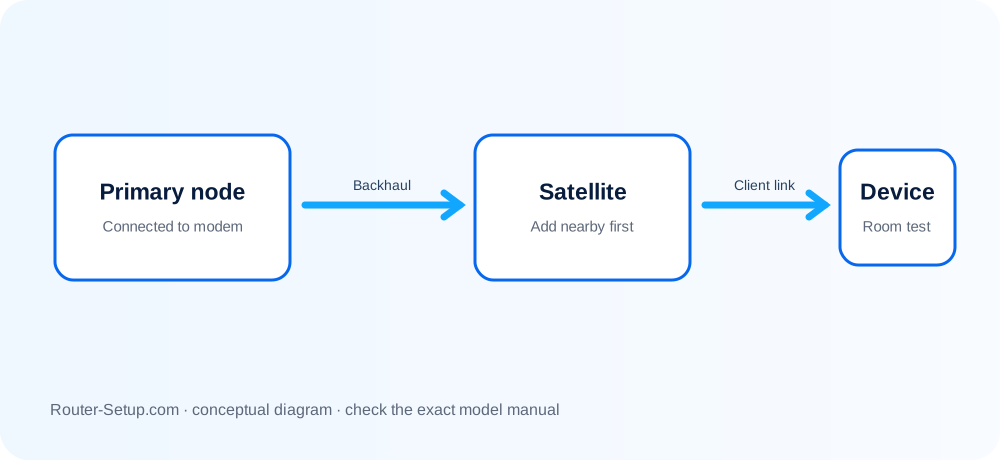
Decide whether “Out of Sync” is live or stale
| Current behaviour | Next investigation |
|---|---|
| Devices use the satellite normally | The interface may be stale; verify after a controlled restart and firmware check. |
| Satellite is listed but clients avoid it | Backhaul quality, placement or version mismatch may be involved. |
| Satellite is absent | Treat it as a pairing failure and resync nearby. |
| Wired satellite shows Out of Sync | Check topology, cables, switch loops and whether wireless onboarding was required first. |
Verify live service before forcing another sync
Record each component model, firmware version and connection type before changing anything.
Test a client beside the satellite. Confirm whether its connection and Internet access actually fail.
Refresh the attached-devices/backhaul page and restart the affected satellite once.
Move a wireless satellite closer and perform the normal Sync-button procedure.
Check firmware for both the RBR router and each RBS satellite. Use the correct component file and do not interrupt an update.
For Ethernet backhaul, test a direct cable temporarily and rule out a managed-switch VLAN or network loop.
Remove and reset only the affected satellite if it cannot be recovered; add it again near the router before returning it to position.
Avoid turning a status problem into a full outage
- Do not assume an interface label proves the radio is unusable—test a nearby client.
- Do not update router and satellite with the same file.
- Do not factory-reset the parent before isolating a single-node fault.
Safety: Record component versions without publishing serial numbers, WAN addresses or passwords in community posts.
Questions about stale and genuine backhaul faults
What is Orbi backhaul?
It is the connection used between the Orbi router and its satellites, carried wirelessly or by Ethernet on supported systems.
Can firmware mismatch cause Out of Sync?
It can contribute to management or connection problems, so compare each RBR and RBS version using exact-model support files.
Should I reset the whole Orbi system?
Usually not first. Diagnose and, if needed, reset only the affected satellite.